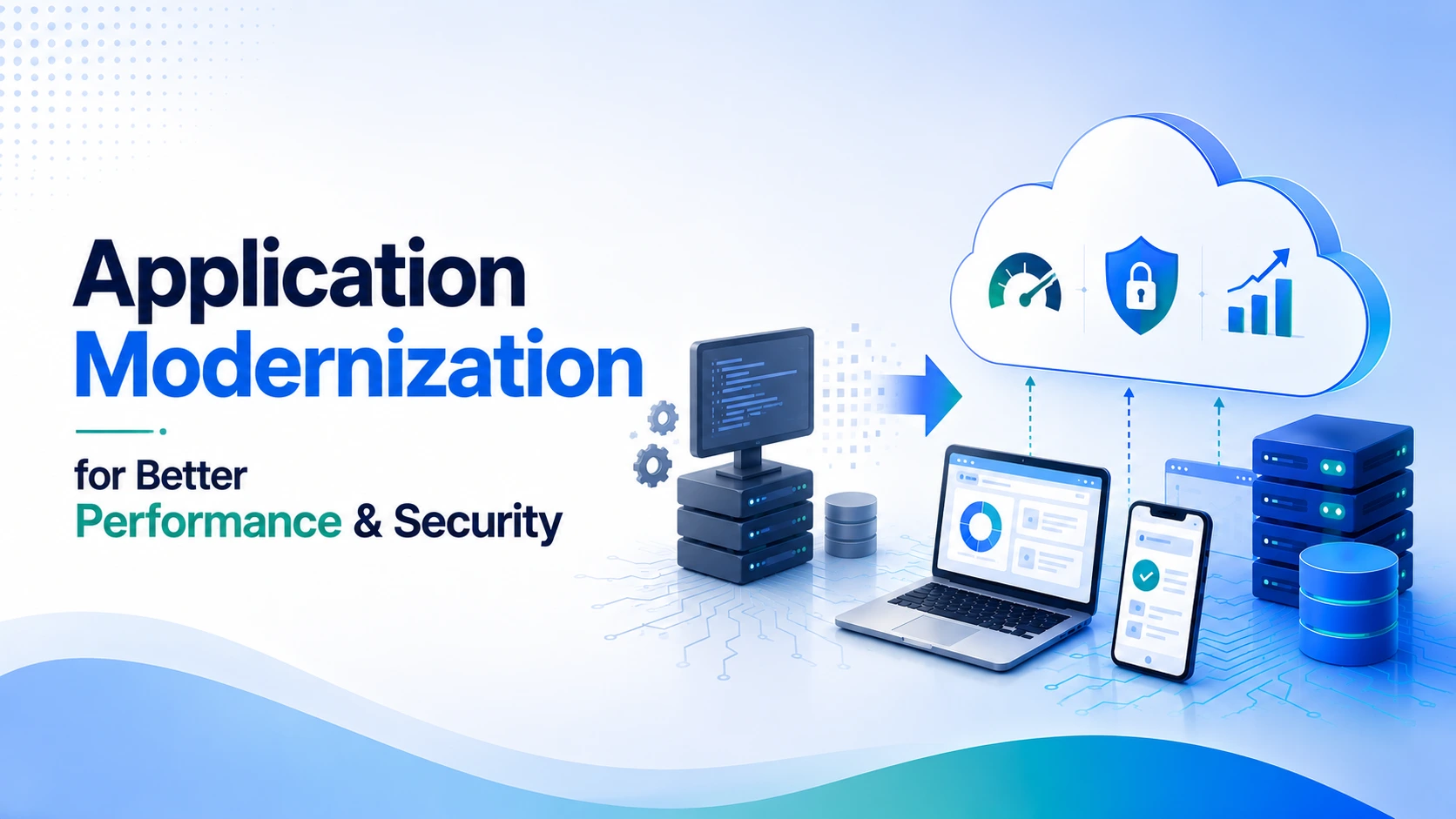
Many businesses rely on applications built years ago to manage daily operations, serve customers, and support critical workflows. While these applications might still perform their intended functions, outdated technology, slow response times, security gaps, and limited integration capabilities can make them harder to maintain as the business grows.
Application modernization helps businesses address these challenges by upgrading legacy systems, improving software architecture, and adopting technologies that better support current requirements. Rather than replacing everything at once, businesses can modernize selected components or gradually transform the entire application based on their priorities.
For organizations looking to improve operational efficiency and prepare for future growth, legacy application modernization offers a practical way to improve performance, strengthen security, and build more scalable digital systems.
What is Application Modernization?
Application modernization is the process of updating existing software to improve its performance, maintainability, security, and compatibility with modern technologies. It might involve updating outdated code, migrating applications to the cloud, replacing unsupported components, redesigning the architecture, or integrating modern development practices.
The approach depends on the application’s condition and business requirements. Some systems need targeted improvements, while others require a more extensive transformation to address architectural limitations and technical debt.
A well-planned application modernization strategy starts with an assessment of the existing system. Businesses need to understand what works, what creates operational challenges, and which improvements will deliver the most value before deciding how to proceed.
1. Improve Application Performance and Responsiveness
Slow applications affect employee productivity and customer experience. Long loading times, delayed transactions, inefficient database queries, and resource-intensive processes can make everyday tasks frustrating.
Application modernization helps identify and address the underlying causes of these problems. Developers can optimize inefficient code, improve database performance, reduce unnecessary processing, and update components that no longer meet current workload requirements.
Optimize Code and Database Operations
Legacy applications often accumulate redundant code and inefficient data-handling processes over time. These issues increase processing overhead and make routine operations slower than necessary.
Code refactoring, query optimization, caching, and better data access patterns help applications process requests more efficiently. Performance monitoring can also reveal bottlenecks that require attention, allowing teams to prioritize improvements based on measurable results.
Reduce Infrastructure Limitations
Older applications often run on infrastructure that lacks the flexibility to handle changing workloads. Modernizing the hosting environment or moving suitable workloads to cloud infrastructure can improve resource utilization and responsiveness.
However, cloud migration alone does not guarantee better performance. Businesses need to assess application architecture, network dependencies, database design, and infrastructure configuration to ensure the modernized system delivers meaningful improvements.
2. Strengthen Application Security
Outdated applications often depend on unsupported frameworks, outdated libraries, and older authentication mechanisms. These components can introduce security vulnerabilities, particularly when they no longer receive regular updates or patches.
Application security modernization helps businesses address these weaknesses by updating software dependencies, improving access controls, and introducing modern security practices. It also allows teams to review how applications store, process, and transmit sensitive information.
Update Legacy Components and Dependencies
Unsupported software components create maintenance and security challenges. Modernization helps teams identify outdated dependencies, replace vulnerable libraries, and upgrade frameworks to supported versions.
Developers can also apply secure coding practices, conduct vulnerability assessments, and automate security checks during development. These measures help identify potential weaknesses earlier and reduce the risk of deploying vulnerable code.
Improve Identity and Access Management
Older applications might rely on shared credentials, weak authentication mechanisms, or permissions that grant users more access than they need. Modernization provides an opportunity to introduce stronger authentication, role-based access control, and centralized identity management.
Businesses can also strengthen API security, encrypt sensitive data, and maintain audit logs to improve visibility into system activity. Security requirements should be built into the modernization process rather than treated as a separate task after deployment.
3. Build Applications That Scale With Business Growth
As businesses expand, applications need to handle more users, transactions, data, and integrations. Legacy systems often struggle with these demands because their architecture and infrastructure were designed around earlier workloads.
Scalable application architecture helps businesses respond to changing demand without compromising reliability or user experience. Modernization allows teams to identify infrastructure limitations and adopt an approach that better supports current and future workloads.
Adopt Cloud-Based Infrastructure
Cloud platforms provide flexible infrastructure that businesses can adjust as demand changes. Instead of depending entirely on fixed server capacity, organizations can use cloud resources to accommodate workload increases and reduce unused capacity when demand falls.
However, simply migrating an application to the cloud does not guarantee scalability. Teams need to evaluate resource allocation, database performance, application dependencies, and deployment architecture to ensure the environment supports business requirements.
Modernize Application Architecture
Traditional monolithic applications often combine multiple functions within a single codebase. As the application grows, changing one component might require testing and deploying the entire system, increasing the complexity of updates.
Depending on the application’s needs, developers can introduce modular architecture, APIs, containers, or microservices. These approaches allow suitable components to be developed, deployed, and scaled more independently. They also introduce additional operational complexity, so the architecture should match the application’s actual scale and requirements.
Automate Deployment and Infrastructure Management
Manual deployment processes slow down releases and increase the likelihood of configuration errors. Modernization gives teams an opportunity to introduce continuous integration and continuous delivery (CI/CD), automated testing, and infrastructure automation.
These practices make releases more consistent and help development teams deliver improvements with less manual intervention. Combined with monitoring and rollback procedures, they also support more reliable application updates.
4. Improve Integration and Maintainability
Businesses often need their applications to connect with CRM platforms, payment gateways, analytics tools, ERP systems, and other business software. Legacy applications may rely on outdated interfaces or tightly coupled integrations that make new connections difficult. This is where ERP modernization becomes relevant, helping businesses improve how enterprise systems exchange data and support evolving operational requirements.
Through API integration and software modernization, teams can improve communication between systems and reduce dependency on older components. Better integration helps businesses exchange data more efficiently and adapt their workflows as requirements change.
Modernization can also improve maintainability by reducing technical debt, documenting critical processes, and establishing consistent development standards. These improvements make it easier for developers to understand the application, resolve defects, and introduce new capabilities without disrupting unrelated functions.
5. Choose the Right Application Modernization Strategy
Not every legacy application requires a complete rebuild. The right approach depends on the system’s condition, business importance, technical limitations, and expected return on investment.
Common approaches include:
- Rehosting: Move an application to a different infrastructure environment with minimal code changes.
- Replatforming: Move to a modern platform while making limited changes to the application.
- Refactoring: Improve the existing code or internal structure without fundamentally changing the application’s core purpose.
- Rearchitecting: Change the application’s architecture to improve flexibility, maintainability, or scalability.
- Rebuilding: Develop a new application when the existing system cannot meet essential requirements effectively.
A structured assessment helps businesses compare these options and prioritize applications based on risk, cost, and expected business value. A phased modernization plan also reduces disruption by allowing teams to test changes before expanding them across the system.
6. Measure the Results of Modernization
Application modernization should deliver measurable improvements rather than technology changes for their own sake. Businesses need baseline metrics before starting so they can evaluate whether the investment addresses the original problems.
Useful metrics include application response time, error rates, system availability, deployment frequency, vulnerability resolution time, infrastructure utilization, and maintenance effort. Customer-facing applications might also track conversion rates and task completion, while internal systems could measure employee productivity and process completion time.
Regular monitoring helps teams identify remaining bottlenecks and prioritize future improvements. Modernization works best as an ongoing process of assessment, implementation, and optimization rather than a one-time project.
Conclusion
Application modernization helps businesses improve performance, address security weaknesses, and prepare their software for changing workloads. By updating outdated components, optimizing code, adopting suitable architecture, and automating deployment, organizations can create applications that are easier to maintain and better aligned with evolving business needs.
The most effective approach begins with a clear assessment of existing systems and a roadmap based on business priorities. As discussed in AppDevGuides’ insights on application modernization, evaluating technical debt, business requirements, and long-term scalability helps organizations prioritize the right upgrades. Modernizing the right components at the right time allows businesses to protect existing investments while building a stronger foundation for future growth.
Frequently Asked Questions
Q1. What is application modernization?
Application modernization involves updating legacy software, architecture, infrastructure, and development practices to meet current business and technical requirements. It helps improve maintainability, performance, security, and compatibility with modern systems.
Q2. How does application modernization improve performance?
It addresses issues such as inefficient code, slow database queries, outdated infrastructure, and resource bottlenecks. Depending on the application, code optimization, caching, infrastructure upgrades, and architectural improvements can make applications more responsive.
Q3. How does modernization improve application security?
Modernization allows teams to update vulnerable dependencies, replace unsupported components, strengthen authentication, and improve access controls. Security testing, encryption, and continuous monitoring further help identify and address potential risks.
Q4. Does application modernization require rebuilding the entire application?
No. Businesses can choose rehosting, replatforming, refactoring, or rearchitecting based on their requirements. A complete rebuild is appropriate when the existing application cannot meet essential business or technical needs through smaller improvements.
Q5. When should a business consider application modernization?
Consider modernization when an application experiences recurring performance issues, depends on unsupported technologies, has growing security risks, or struggles to handle increased workloads. Rising maintenance costs and difficulty integrating with newer systems are also important warning signs.
